« Back to Frequently Asked Questions (FAQ)
How do I select the language used by EDMUS?
To select the language used by EDMUS:
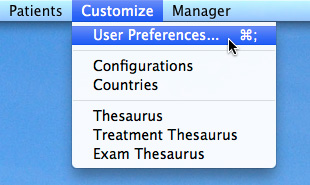
- Select "User Preferences" from the "Customize" menu:
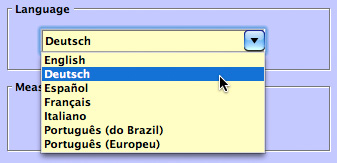
- Click Modify, and set the "Language" setting to the language of your choice:
- Click OK: the language changes immediately.